Features
On one phone
-
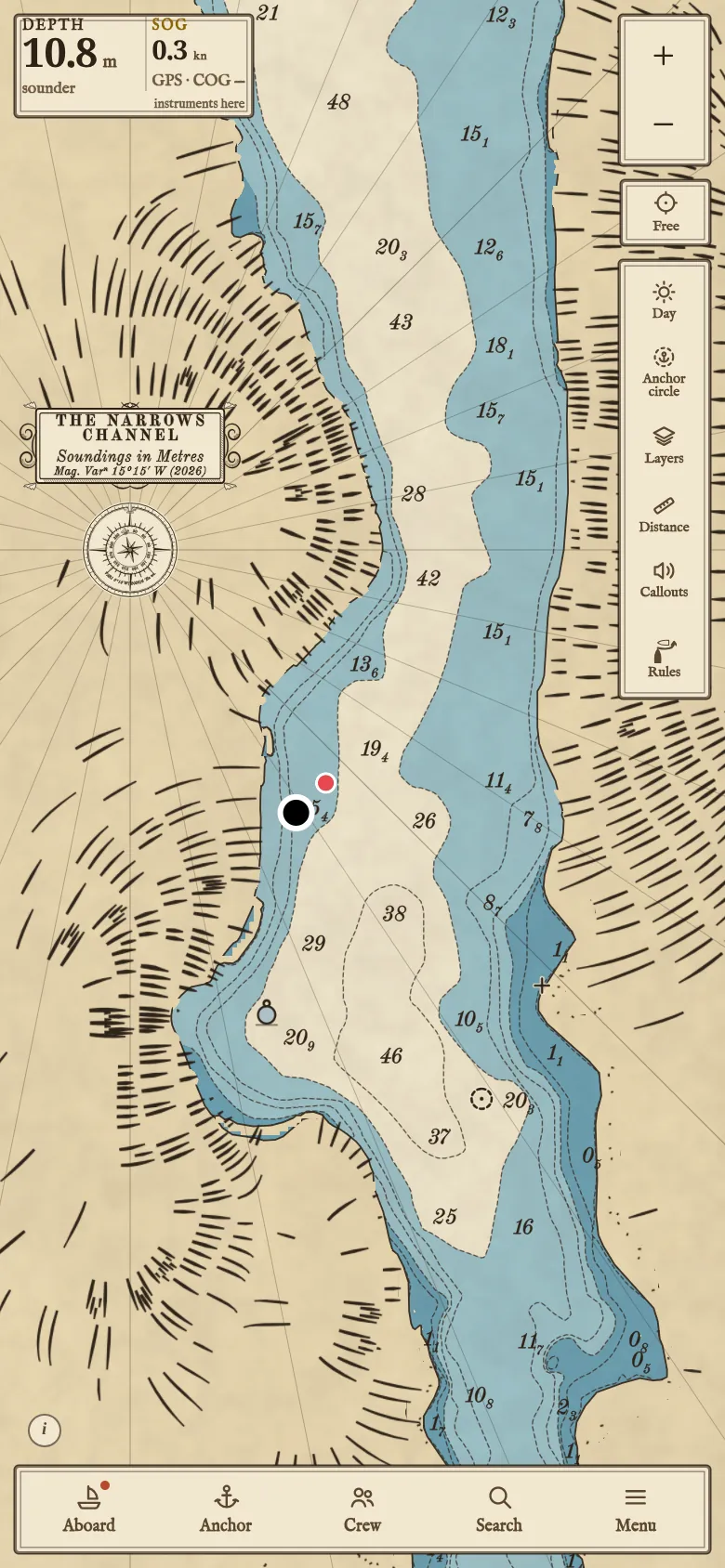
Traditional 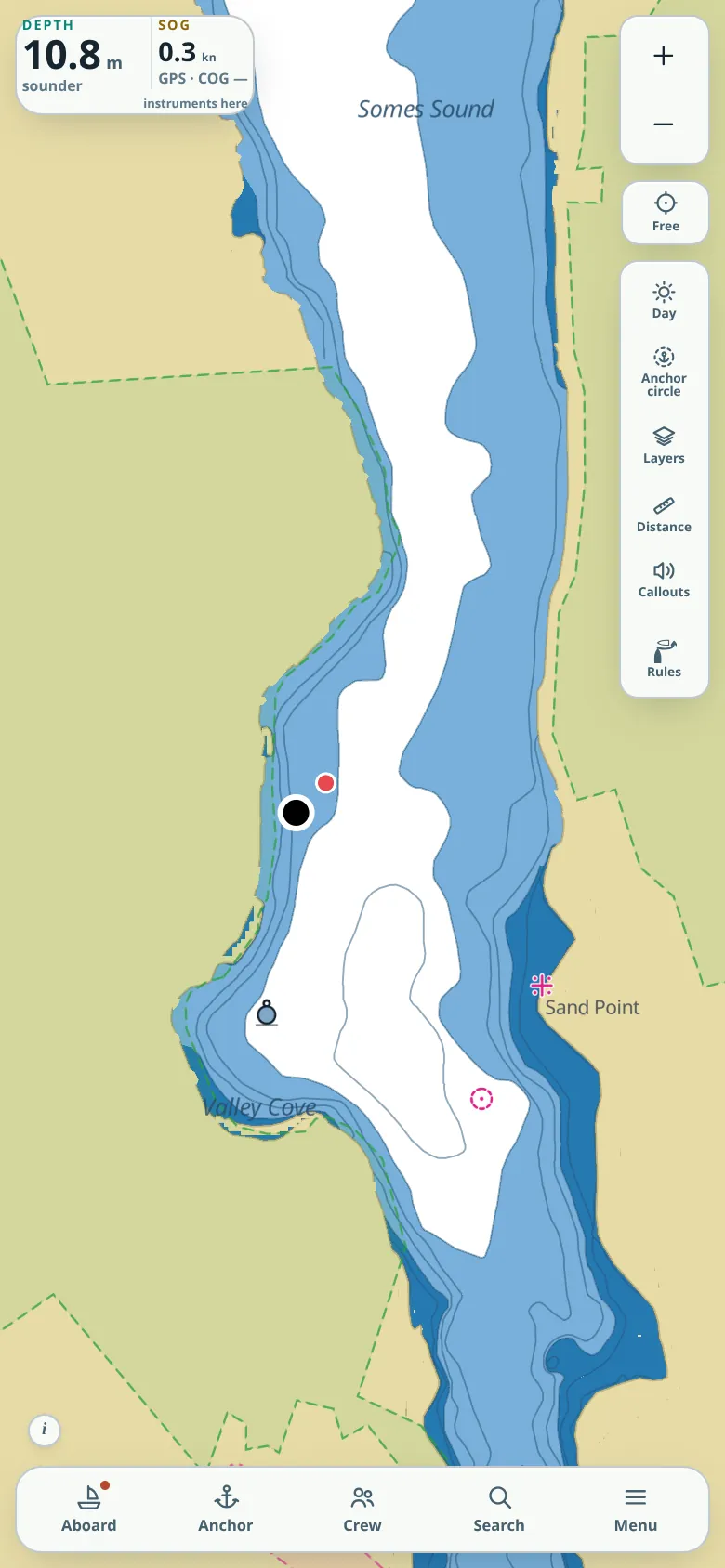
Standard Charts
- Traditional: drawn like an engraved paper chart.
- Standard: plain.
Charts work offline and are bought per cruising region; free during the beta.
Charts cover United States waters: the East, Gulf and West Coasts, Alaska, Hawaii, Puerto Rico and the Virgin Islands, the Great Lakes and some inland lakes. Elsewhere the app shows land and names but no depths yet.
-
Depth and tides
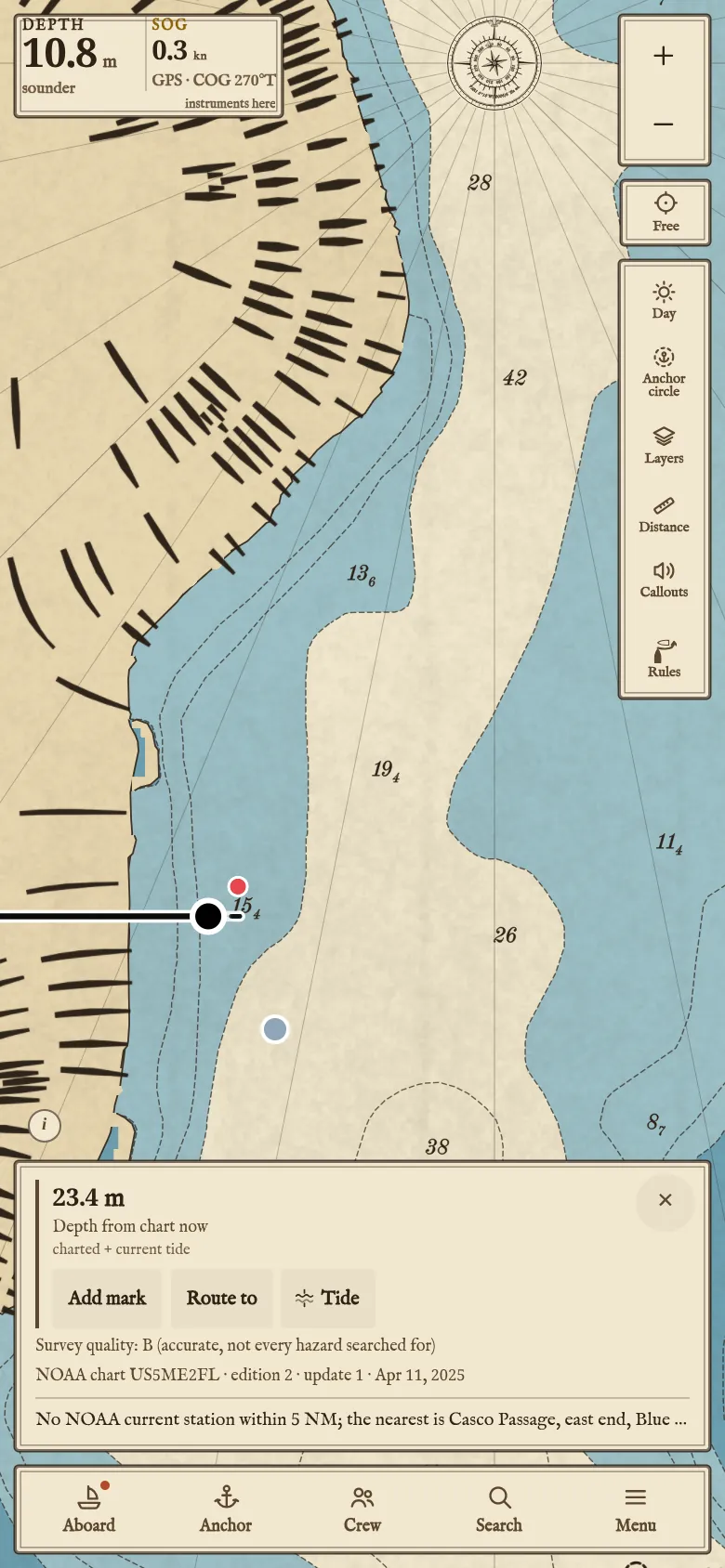
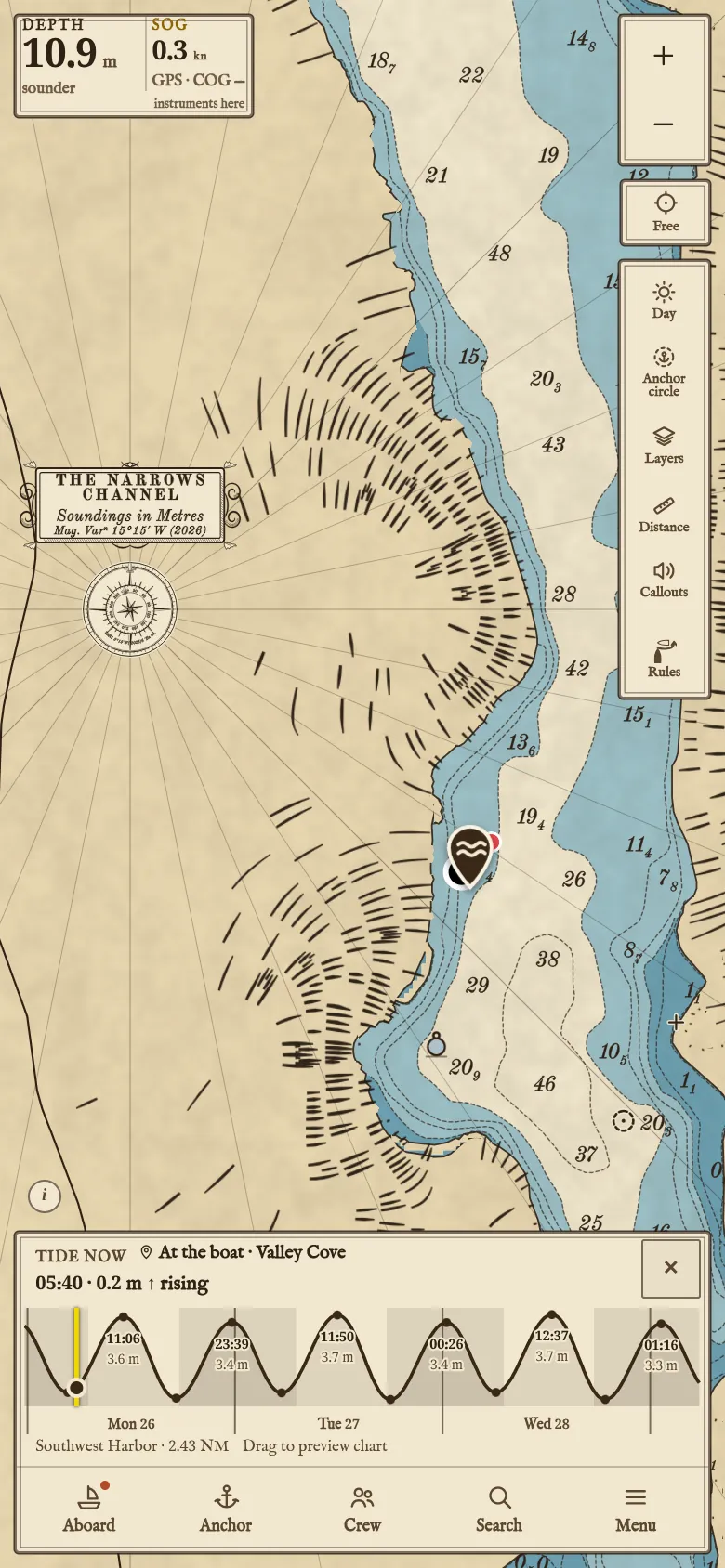
A tap on the water gives the depth with the tide now. The tide curve runs three days ahead; drag along it to see the chart at that hour.
-
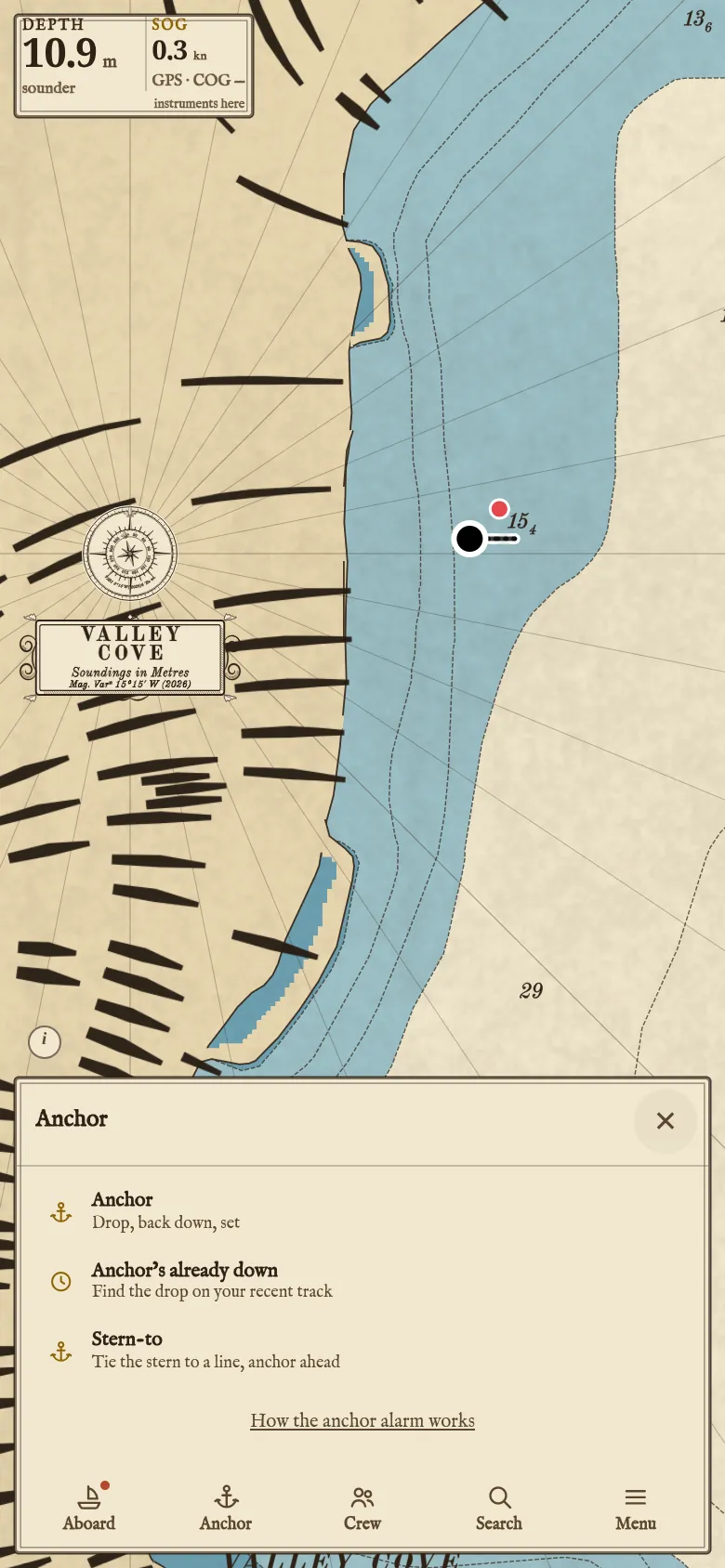
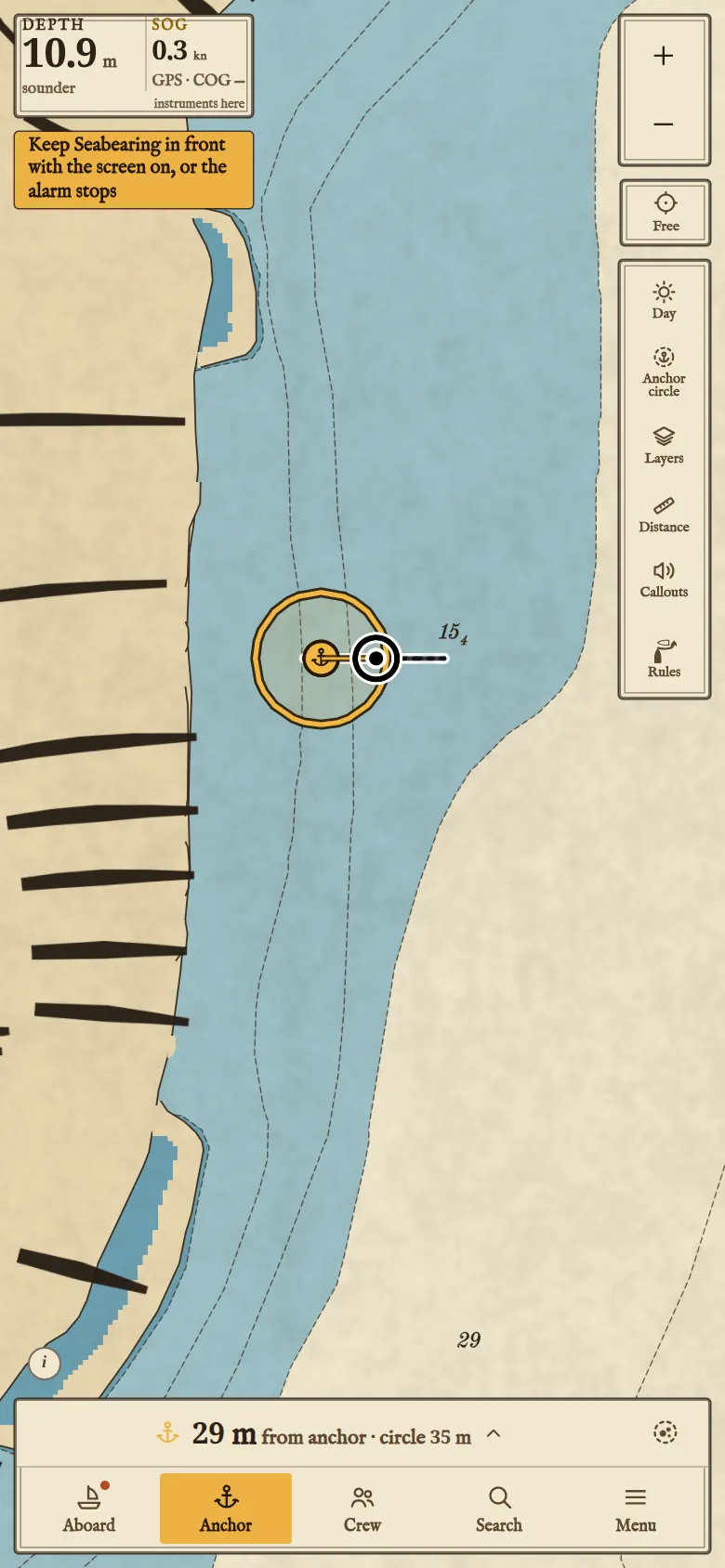
Anchoring
The chart can show in green the water where your boat can anchor for your planned stay; tap a spot for its depth with the tide, chain to lay, seabed slope, swing radius and clearance from charted dangers.
- Anchor starts it.
- Drop marks the spot.
- Set turns the alarm on. From then the app can show where the boat has swung.
Anchor’s already down finds where the anchor went down in the last 15 minutes of track; Stern-to counts down aloud to the drop.
-
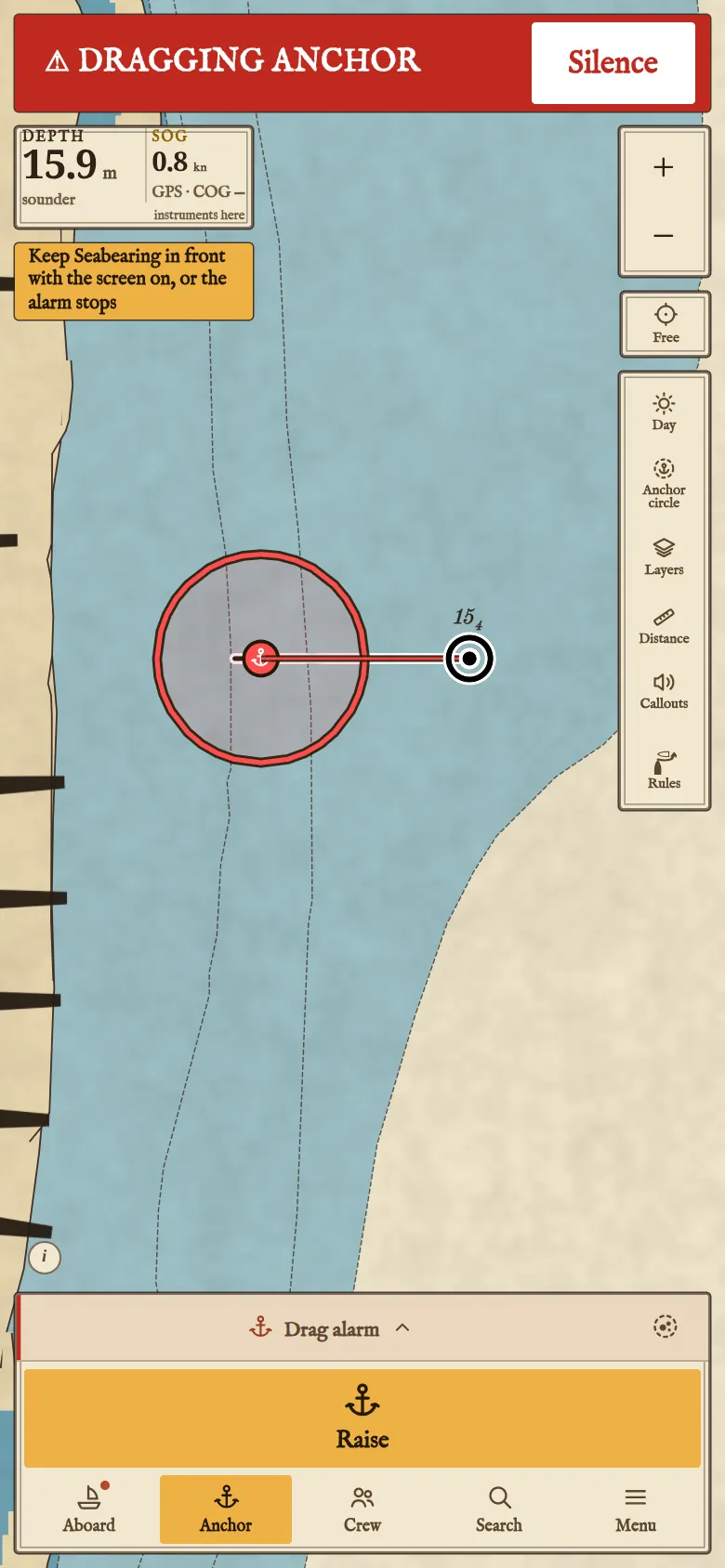
The drag alarm
The Android app keeps watching with the screen off. In a browser the screen must stay on.
-
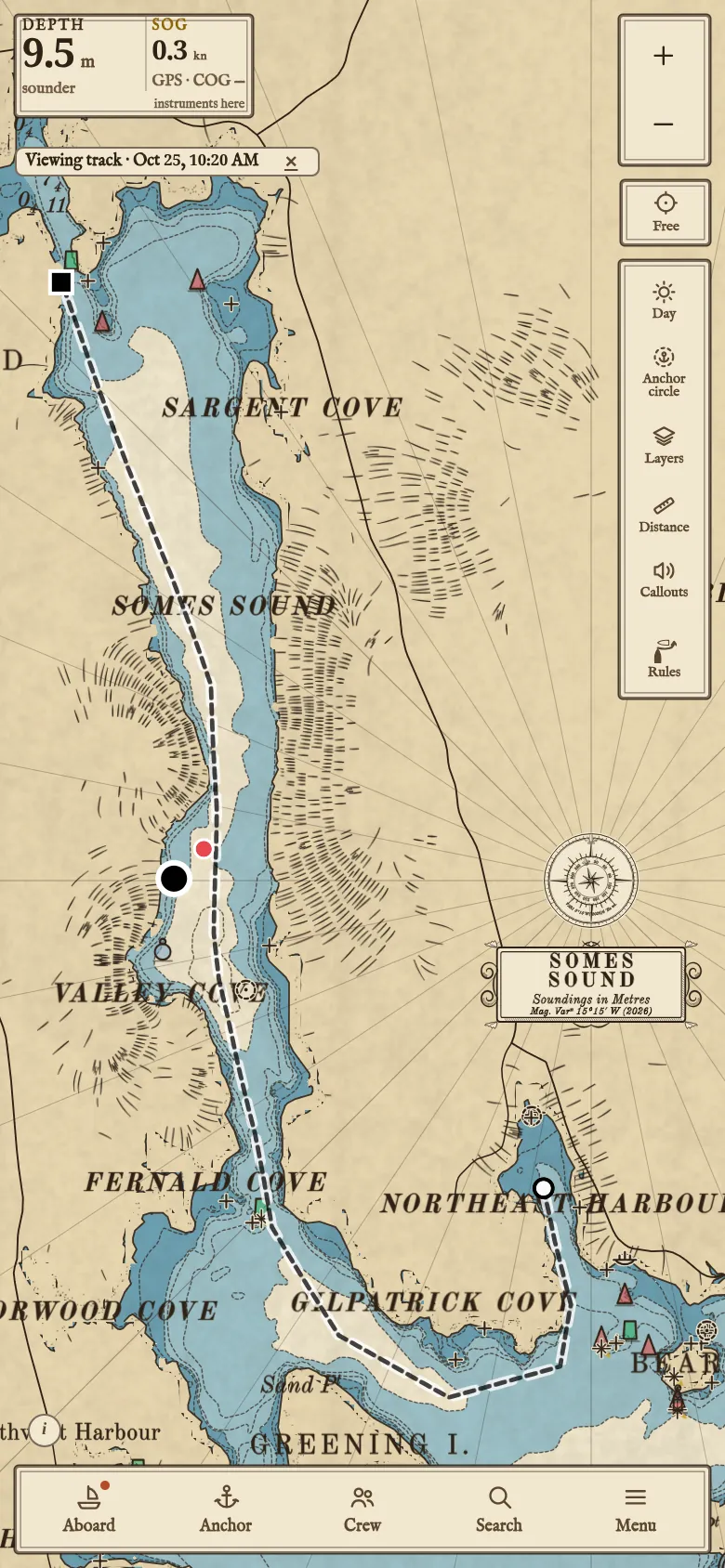
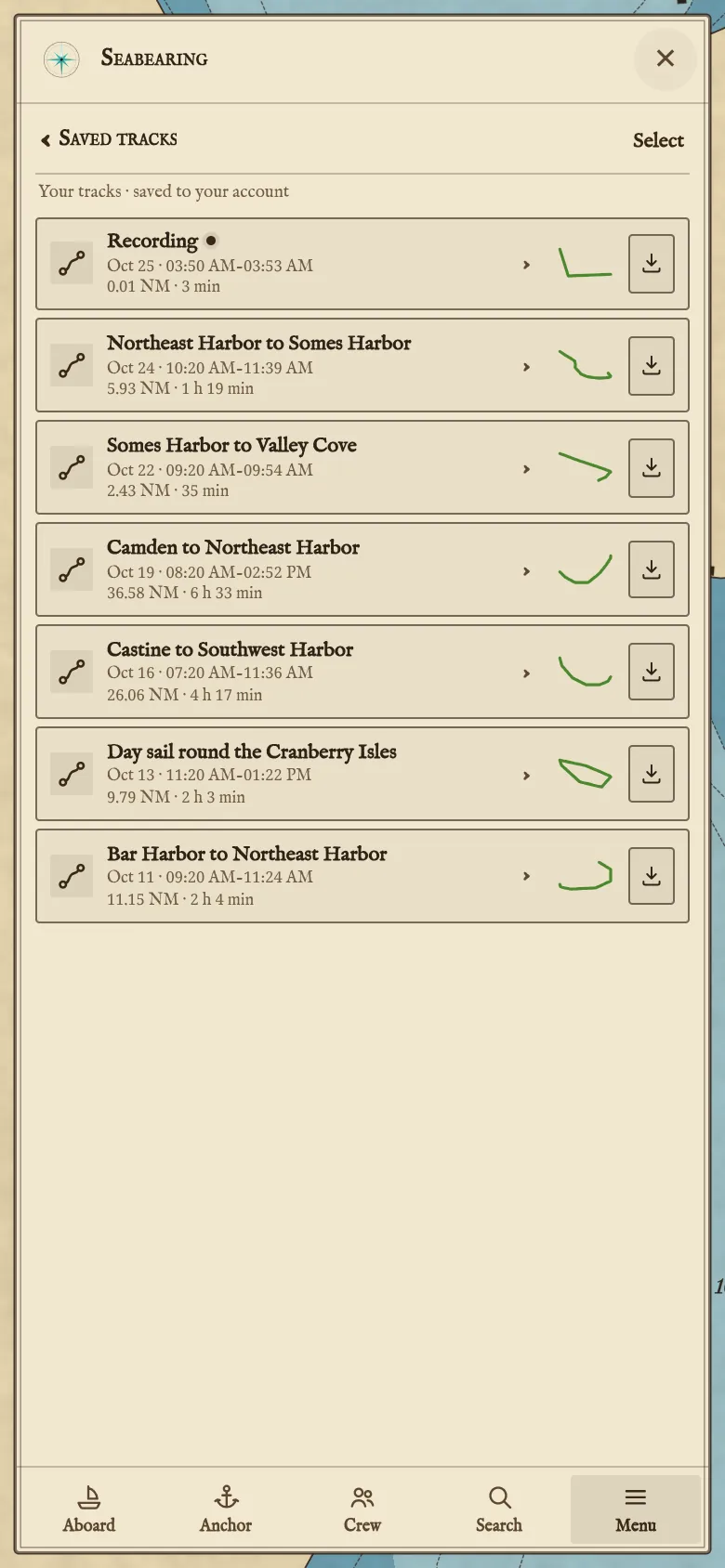
Tracks
Passages export as GPX.
-
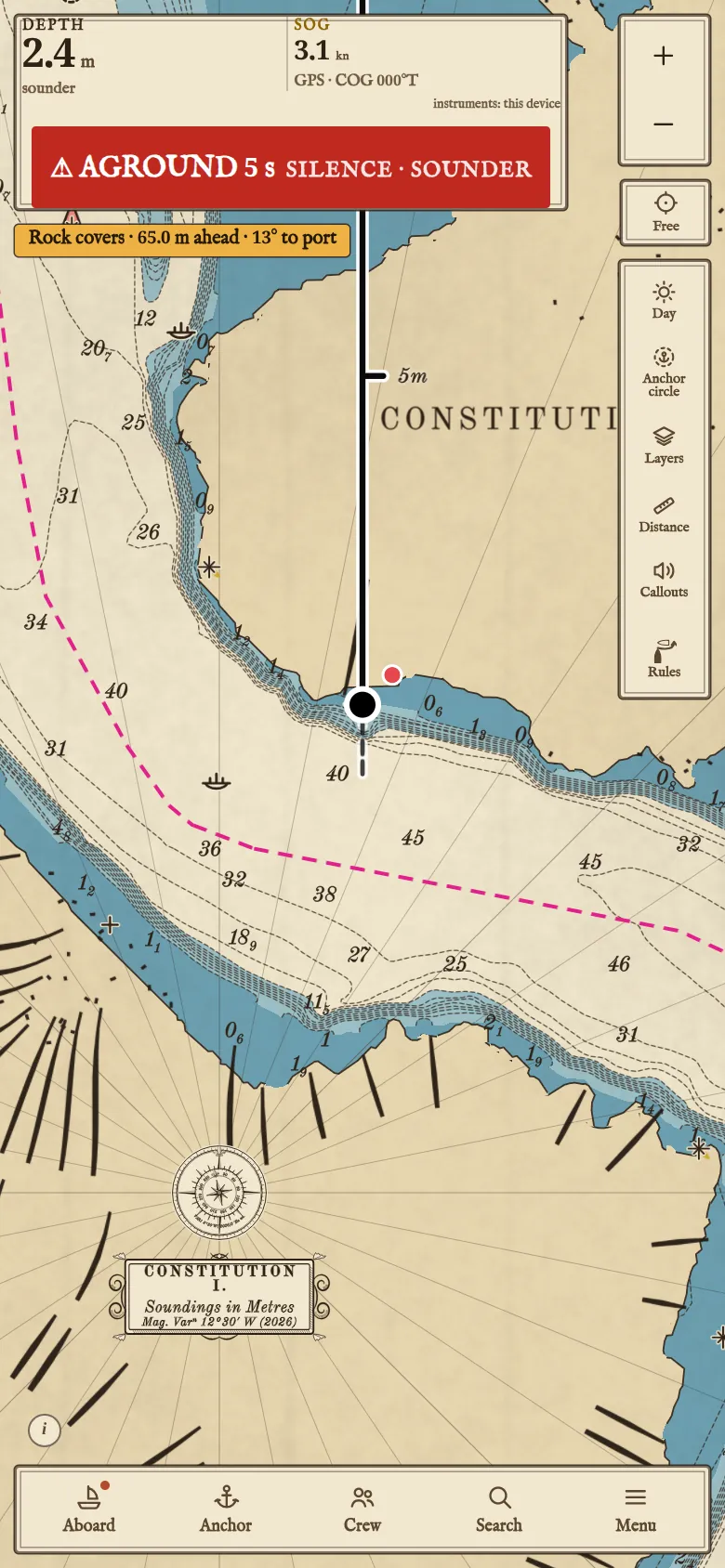
Grounding warning
Sounds when the boat heads into water shallower than its draft, or, at rest, before a falling tide leaves it aground.
-
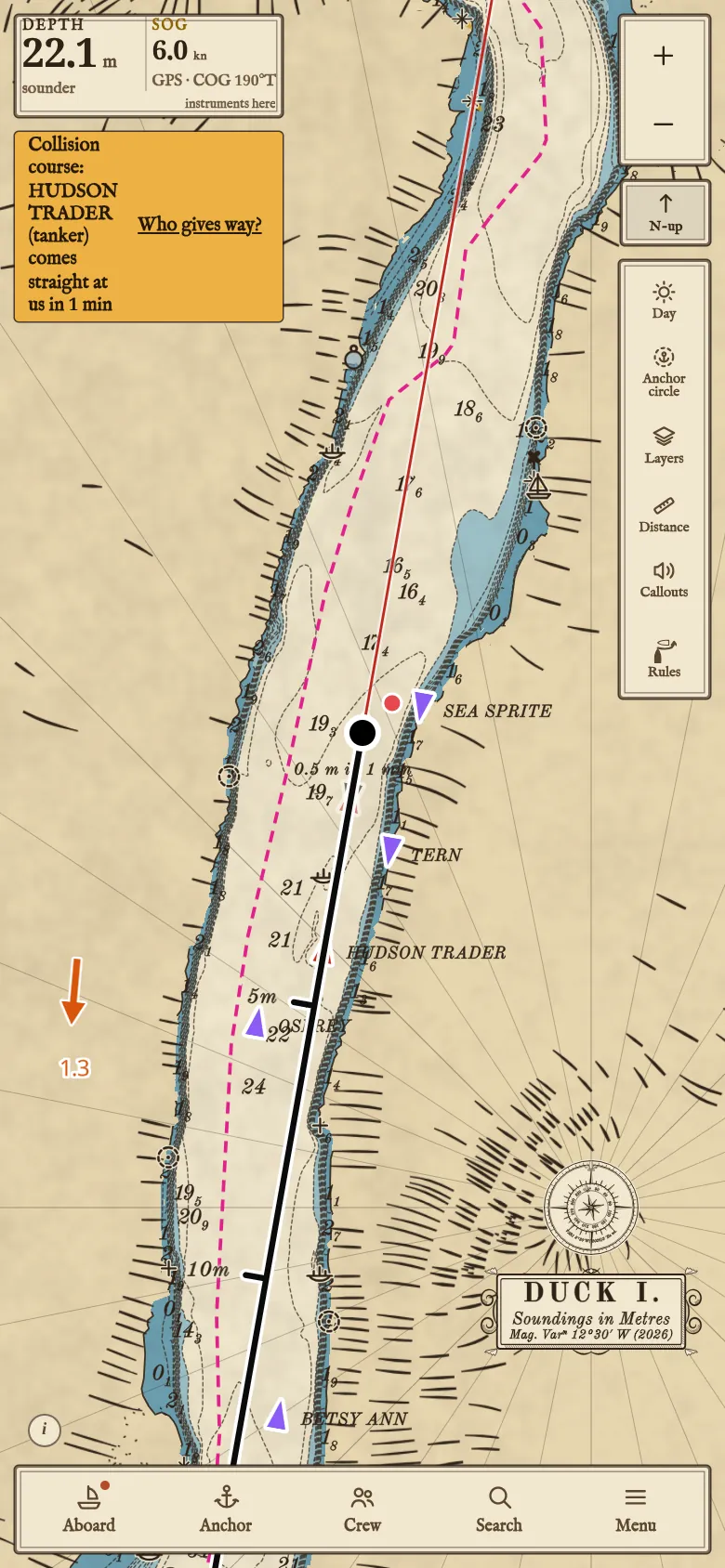
AIS and the collision warning
Over the internet, so no receiver is needed on board. Under way, a vessel on a collision course sets off a chime.
With your crew
The crew link
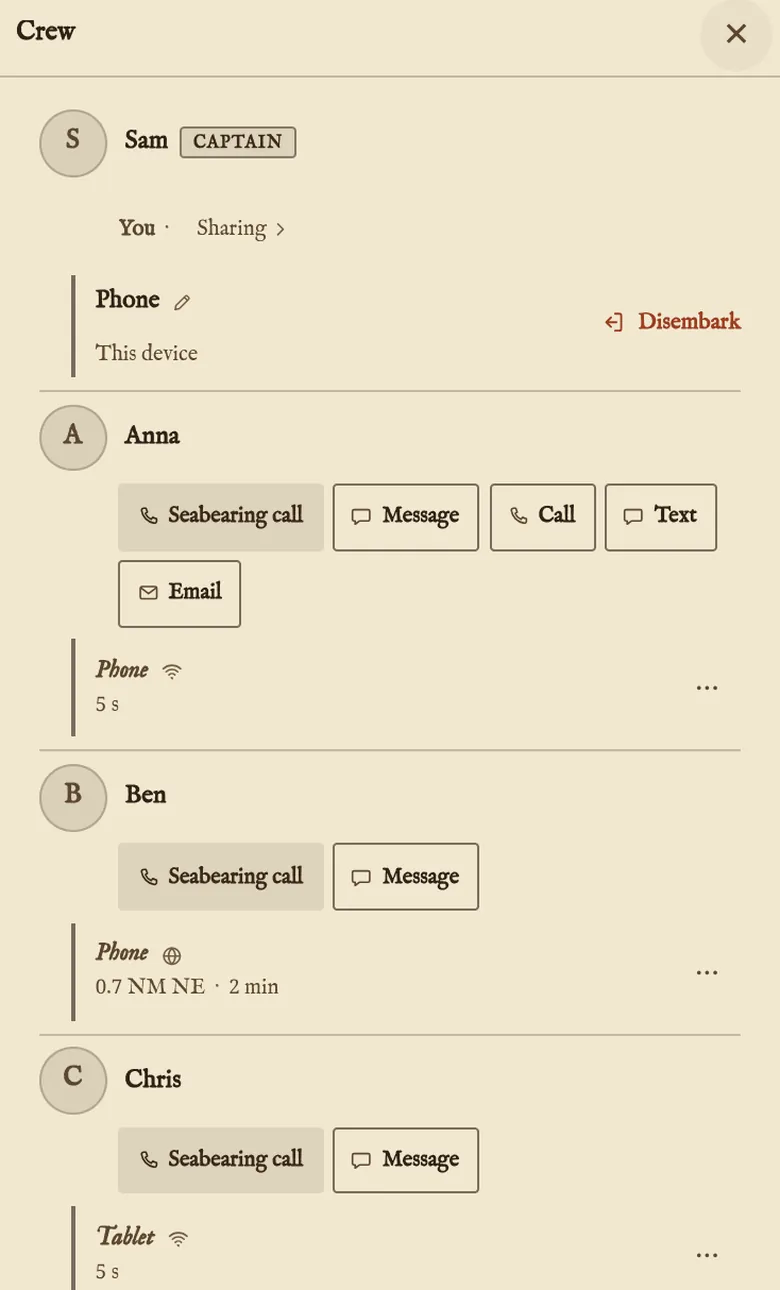
Phones and tablets pair by QR code and talk directly over the boat's Wi-Fi, or over the internet when apart; in a browser it needs the internet. Messages are encrypted. Crew ashore are on the chart, each with their own track.
-
One anchor for the crew
Any device sets or raises it. Each has its own alarm, so a phone ashore can watch through one left aboard.
-
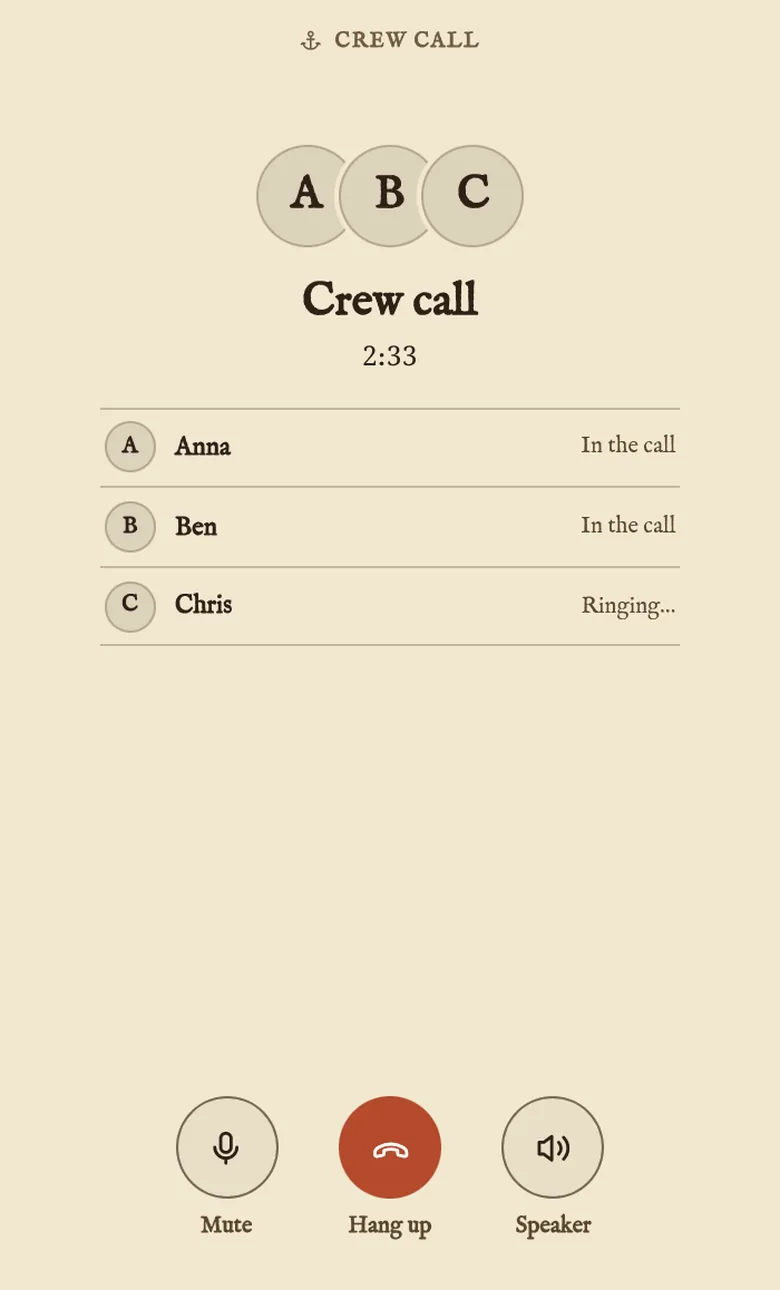
Calls and messages
Up to 6 people on a call.
With the boat's instruments
In the Android app
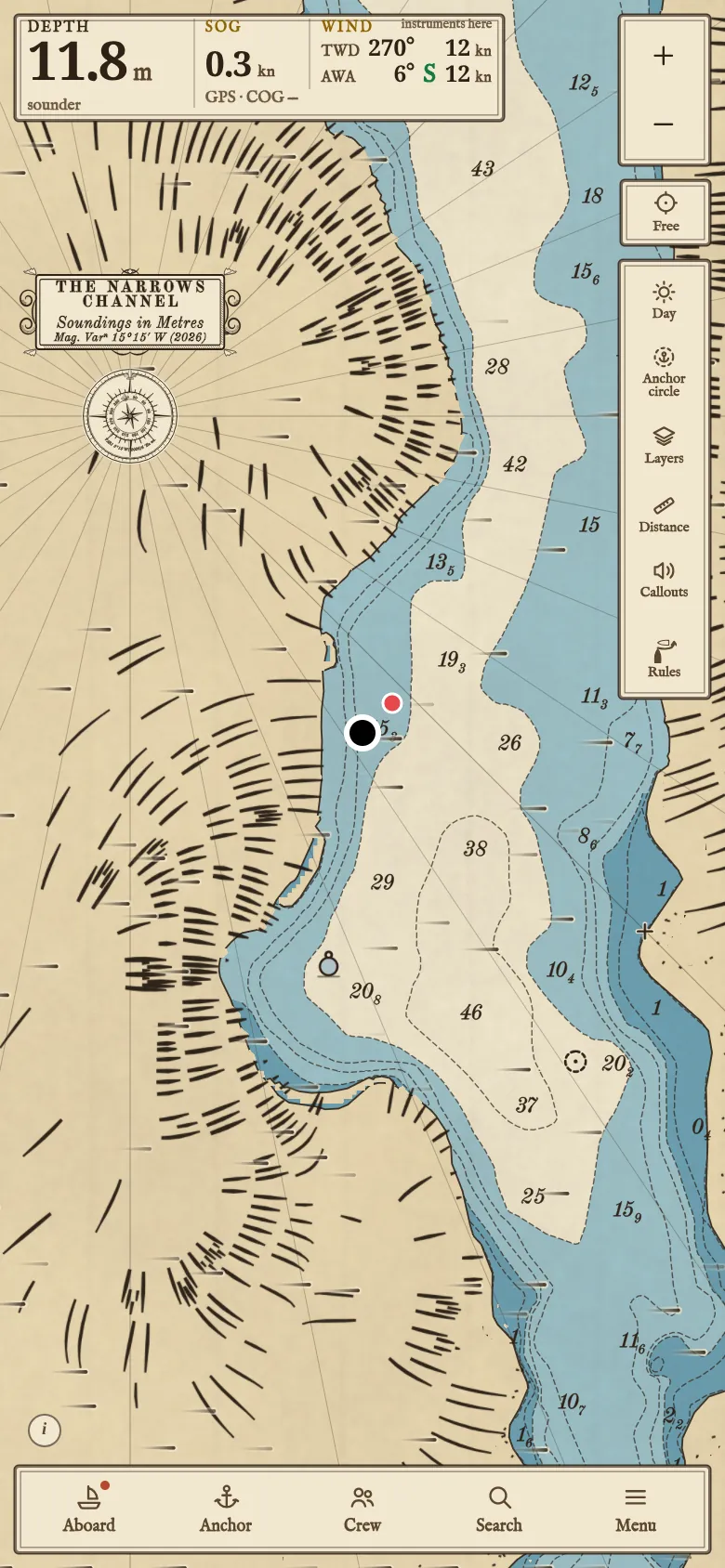
From a plotter or gateway: position, heading, depth, wind, speed through the water, water temperature and AIS. The readings are kept with the track and passed to every device in the crew.
-
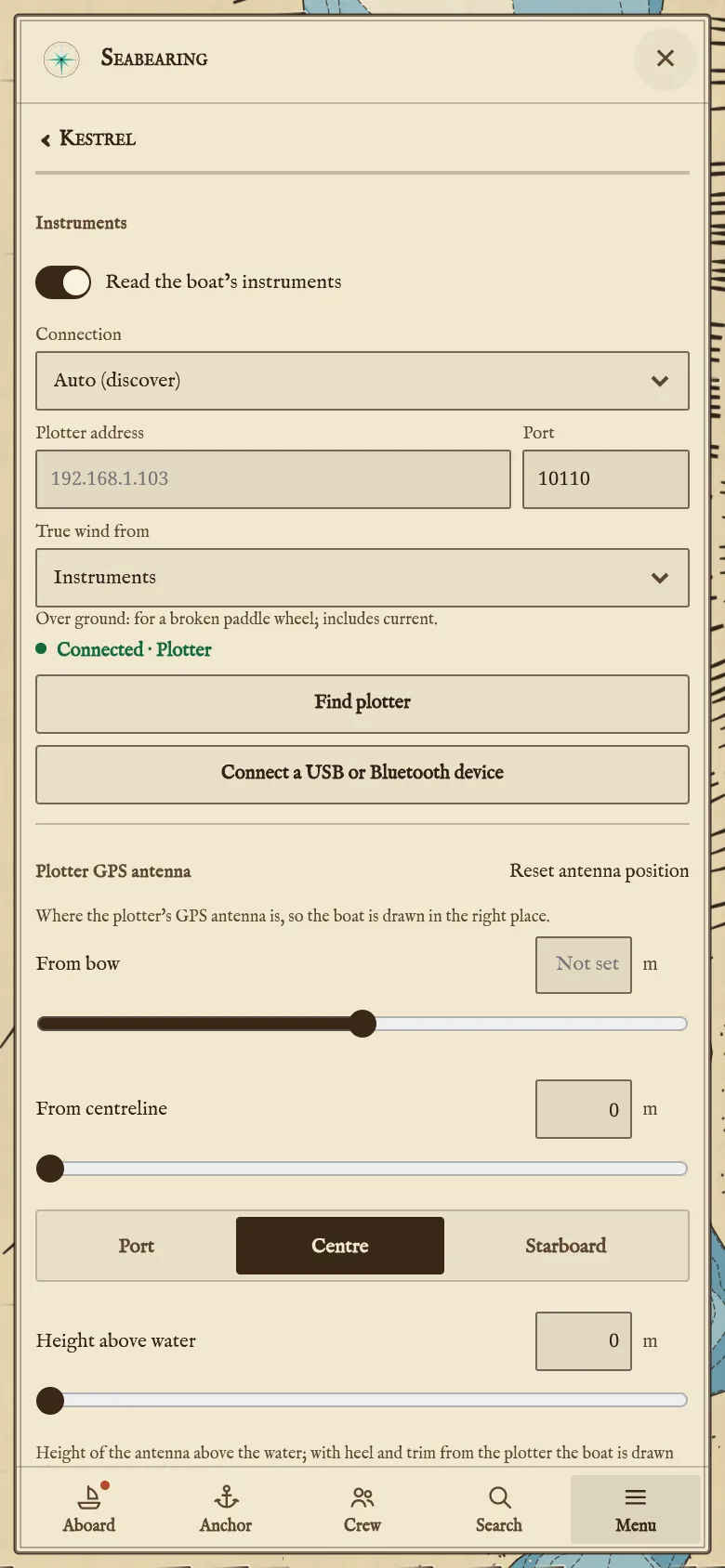
Connections
The app finds the plotter or gateway on the boat's Wi-Fi by itself, B&G, Simrad and Lowrance plotters included.
Connection What it reads NMEA 0183 over Wi-Fi A plotter or gateway on the boat's Wi-Fi NMEA 2000 through a gateway A Yacht Devices, Actisense or similar Wi-Fi gateway Signal K A server on the boat's network USB adapter NMEA 0183; NMEA 2000 from an Actisense gateway Bluetooth or Bluetooth LE adapter NMEA 0183
More detail: How Seabearing talks to your boat and your crew.
Sharing
A live link anyone can open shows the boat. A public boat page shows its journey a day behind, and photo posts, each placed where the boat was.
Nearby lists public boats near you. Follow a boat, or message or call another sailor. A flotilla is joined by its code.
Getting it
Accounts are by invitation for now: request an invite.